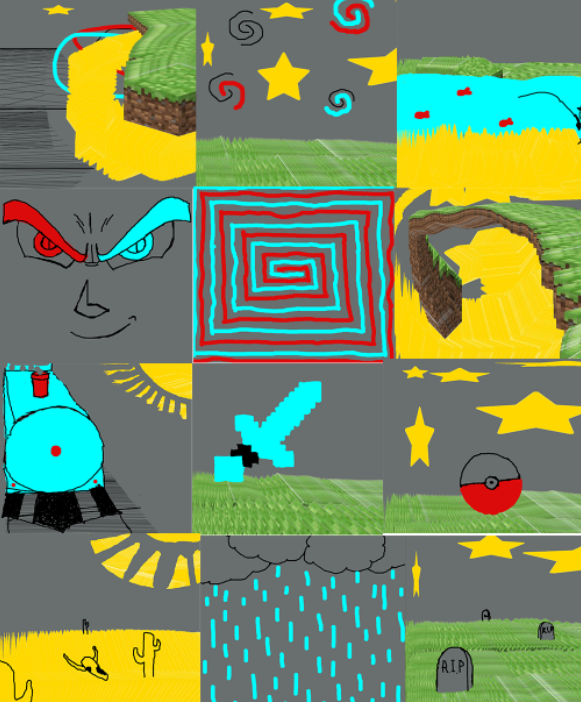
This was my "first" time when it came to working with coding and javascript in general, let alone executing specific tasks such as making art with it. The link to my Art 101 web page, where all this code has been uploaded to, can be found by clicking here. I had worked with code before in a summer library course during early high school that lasted a few weeks, but I don't remember much of what I did during that time and it was nowhere near as advanced as this. I didn't end up gaining any coding experience in Art 74 or Art 75, either. Taking this into consideration, I think that the work I ended up with was pretty good, especially because the artwork I made using my drawing tool for this Art 101 Project 1, I only used a mouse. However, the top right and top left photo in the tiled panel at the bottom of this page were made by friends in order to see if the drawing tool worked correctly. While the process of basically learning code from scratch was quite difficult, I feel as though the end results were well worth the challenge. Moreover, by dabbling in various mediums of creating digital art outside of my comfort zone like this, I believe that I can become a better artist that way.
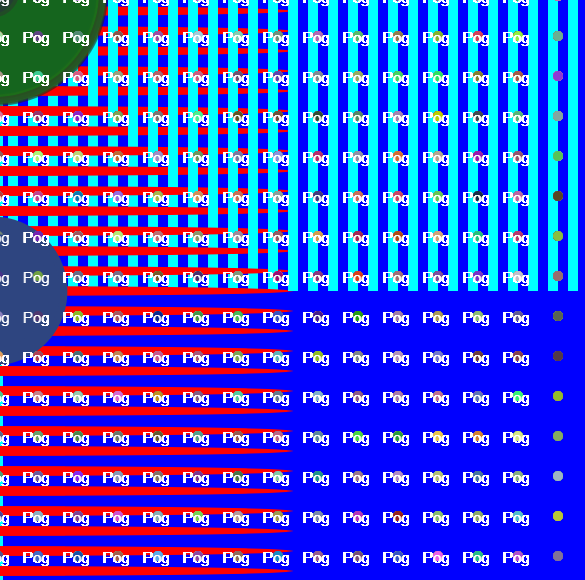
Javascript Art
This was the first major exercise that I did independently using what I'd learned so far, and I think that it turned out pretty well. You can use your mouse to see things move around on the screen, as well.
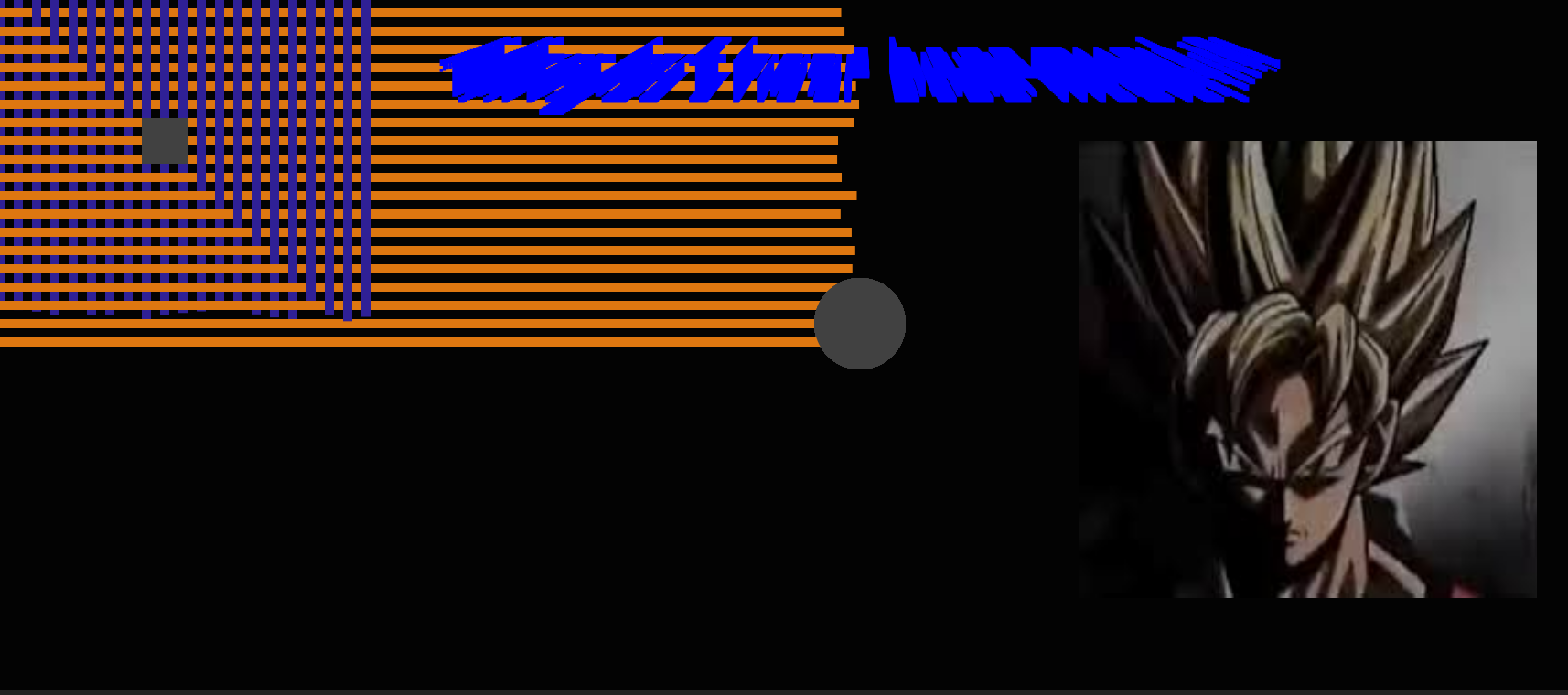
Exercise #2, 2024
Javascript Art
This was the 2nd major exercise that I had to do on my own. I advanced my knowledge of coding more so in this independent work, such as adding images (some of which move around), using moving text with unique fonts, different commands that activate through clicking your mouse and/or pressing keys on your keyboard, and more.
Project #1 Tiled Panel, 2024
Javascript Art
These artworks were made using a drawing tool I coded. It was a more difficult process than working with the two exercises, but once I managed to get it working, I believe it was well worth it. While my friends tested out my drawing tool and made the artworks in the top left and top right corners of the tiled image, I did the rest of the artworks myself. I'm happy with how successful the drawing tool ended up being, as I'm not very experienced with coding. The viewer can press any key, 1 through 7 (with 5 being an eraser function), on their keyboard to activate a drawing tool. Then, they can click and drag their mouse across the canvas to make whatever they want.
HTML, CSS, Javascript Coding
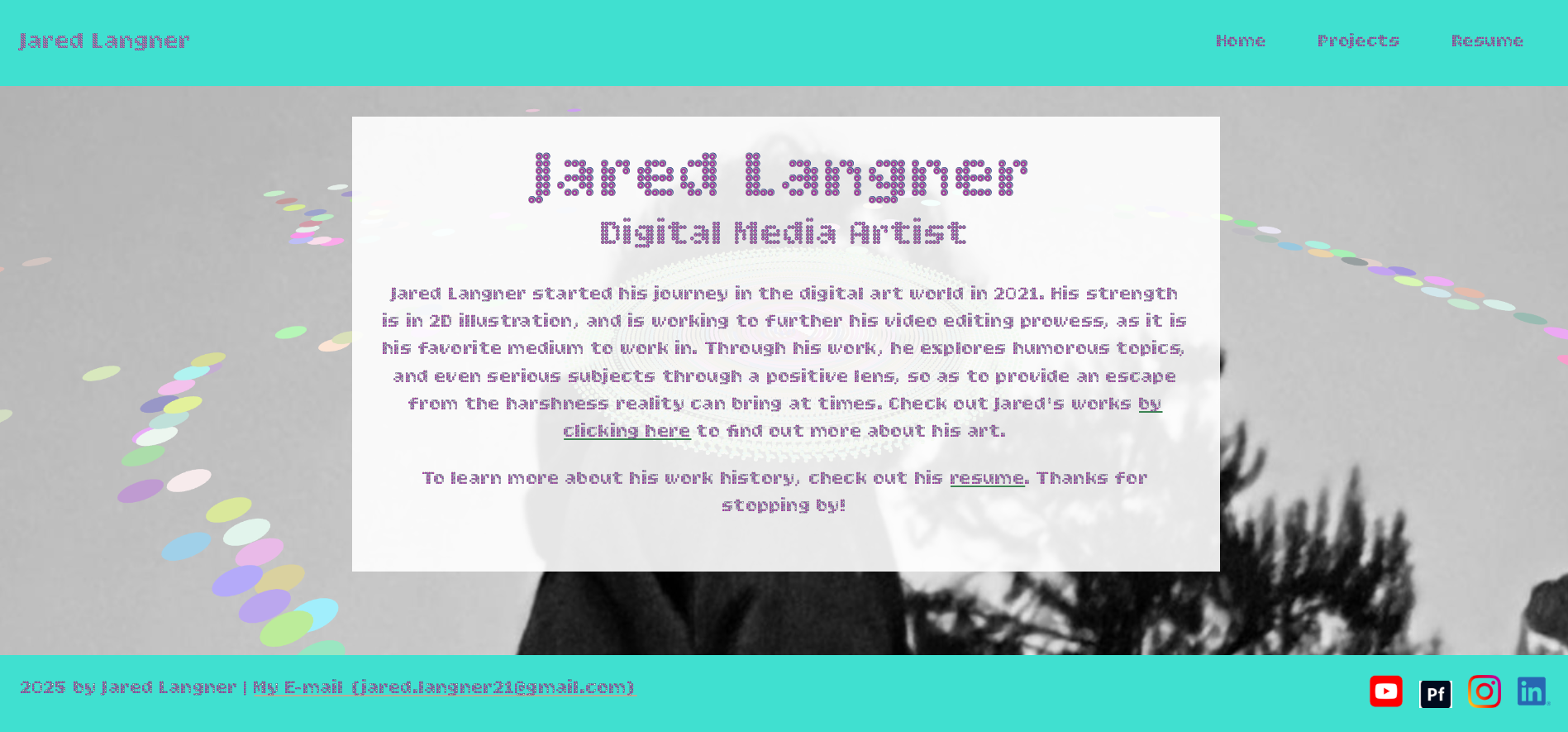
This was my first time making an artist portfolio entirely from scratch, and I'm very happy with how it turned out based on what I'd learned. Later on, I plan to move all my assets in this current portfolio on to this newer, coded one. I'll have to reformat the current layout I have for it, but I believe it will be well worth it once it's done.
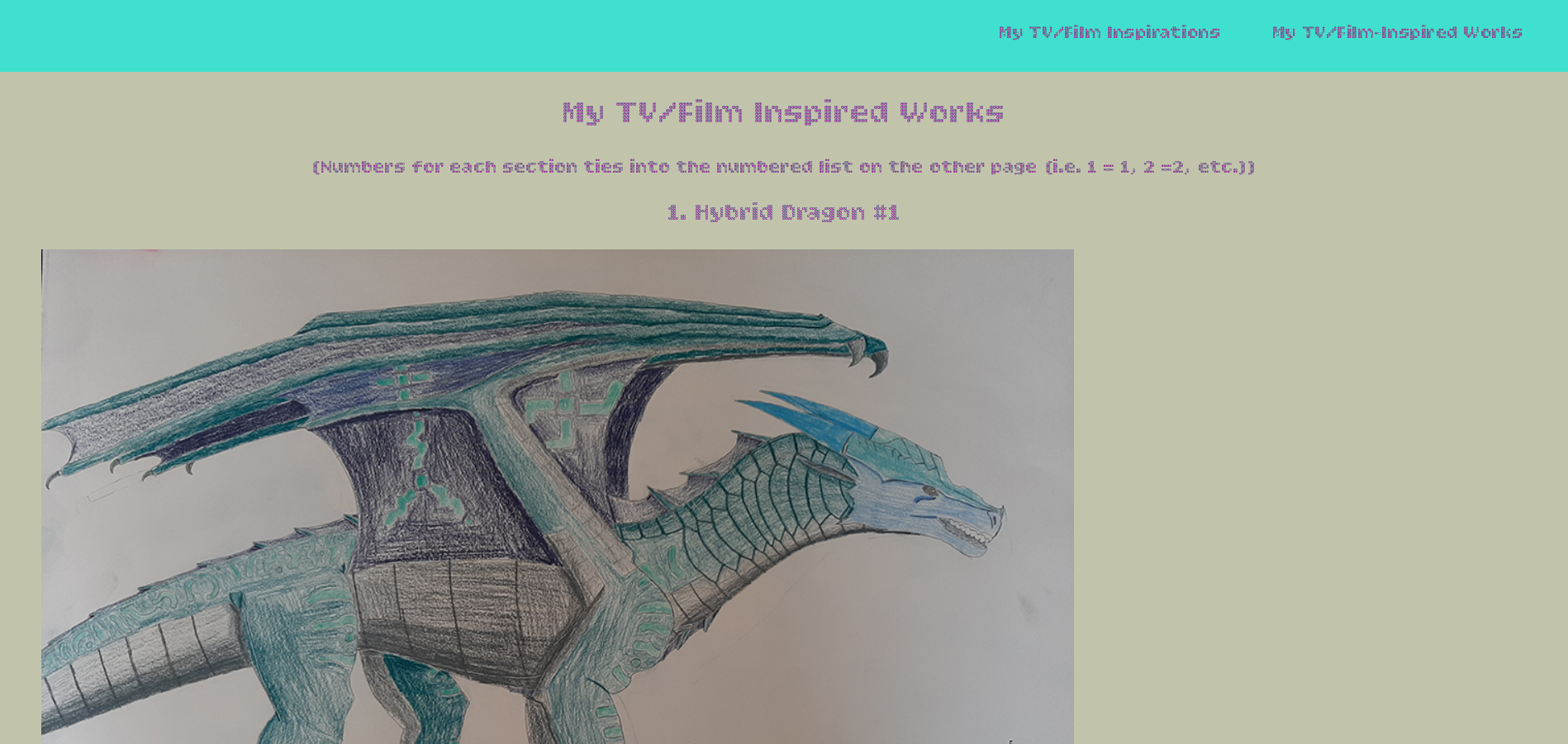
"My Evolution Of TV/Film", 2025
HTML, CSS, and Javascript Coding
This is a list of my film and TV show inspirations throughout my years as an artist, and some of the related artwork I've made on these inspirations. While it definitely can be refined more, I'm satisfied with how it looks for the time being.